YouTube
YouTube is the biggest video-sharing platform where you can watch the latest video clips, and other informative content.

Safe & Secure
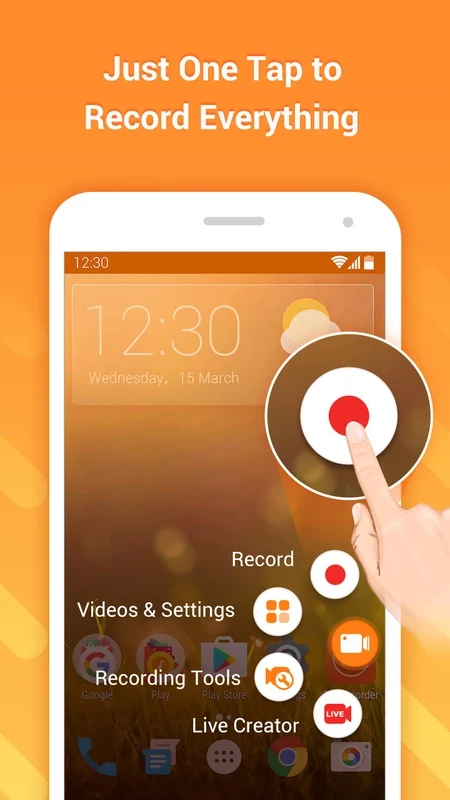
DU Recorder is a versatile screen recording program, designed for Android that enables users to manage multiple screen-related affairs such as taking screenshots, editing visual content, and starting a live stream. It also allows users to enable FaceCam and record external audio.
You can also use the app for recording your favorite tutorials, gaming videos, live shows, and even video calls as well. The free-to-use app with a user-friendly interface offers seamless integration for multiple social media platforms.
DU Recorder is a multi-use screen recording tool to make your screen recording process quick and smooth. You can easily capture your desired screen, or even record it, as it offers integration to multiple streaming platforms such as YouTube, Twitch, etc, to share your screen recordings. You can enhance the quality of videos while using the video editing tool, adding external audio, and applying creative filters.
The innovative app is available for free, so you do not need to pay any fees. It offers a lot of awesome features to enhance your functionality while dealing with the screen recording process. The app also offers regular updates to add new features and stickers.
Easily record your screen, regardless of system apps or other screens as well. Multiple stable screen options, along with live editing and filters, are available. In addition, there are two modes for recording, including basic mode and standard mode. The basic mode enables you to recode any video in low-resolution, as it is reliable for devices with limited memory. Likewise, standard mode offers high-resolution recording, specifically useful for live-streaming games on the internet.
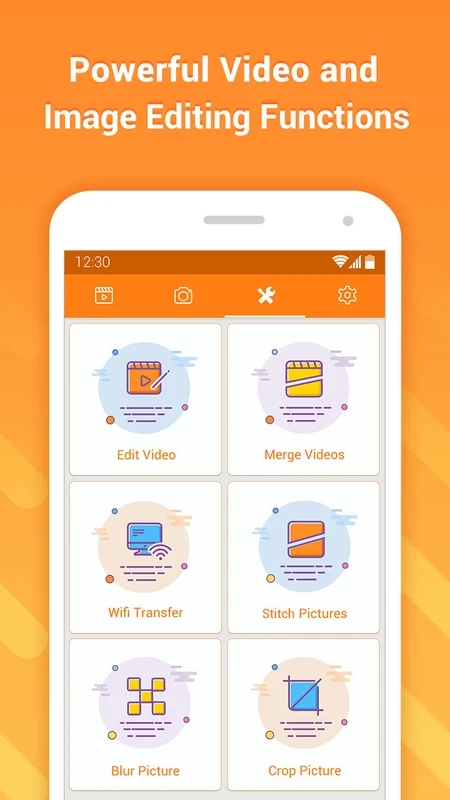
Along with screen recording, the users are also capable of capturing and editing screenshots. It makes the screen-capturing process cool within a single click, as it offers a simple process, instead of holding two buttons simultaneously. After capturing, you are capable of editing the screenshot, cropping, combining, and bullring certain parts. You can edit images, even importing from your device’s gallery.
After recording and adjusting the video, the next step is to edit your videos if you feel the need to make changes. The built-in editor offers cropping and linking fragments together, adding external audio, and modifying the volume. You can also merge various clips, trim, add text, and also apply different effects, stickers, or filters to enhance the capabilities of recordings. In this way, you can edit your screenshots or recorded videos without going to another video editor.
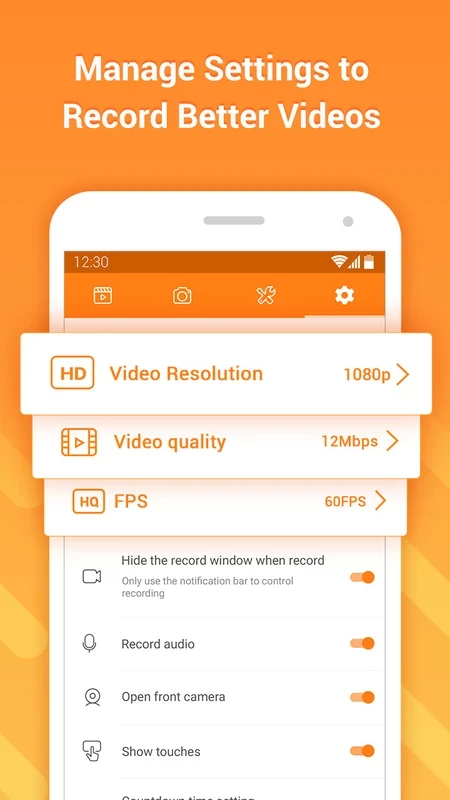
The support for HD-quality recordings for videos is a useful feature to get stable and impressive recordings, so you can reliably use them in different scenarios. It allows users to modify the quality of video, including the number of frames per second up to 60 FPS, export video up to 1080p or 4K, and video quality up to 12Mbps. You can also customize resolutions, bitrates, frame rates, etc as, according to your preferences. The flexibility and versatility offered by the app enable users to use their recordings for professional or casual purposes.
The user-friendly and straightforward interface offers an effortless disabling and enabling process. After launching, when you access the main screen, you will find a floating widget that can easily be adjusted anywhere on the screen. Next to the widget icon, you will find all functions such as recording and capturing the screen, etc., within a few clicks; you can start, pause, and stop the recording process. Close the app by dragging the icon down to the bottom of the screen.
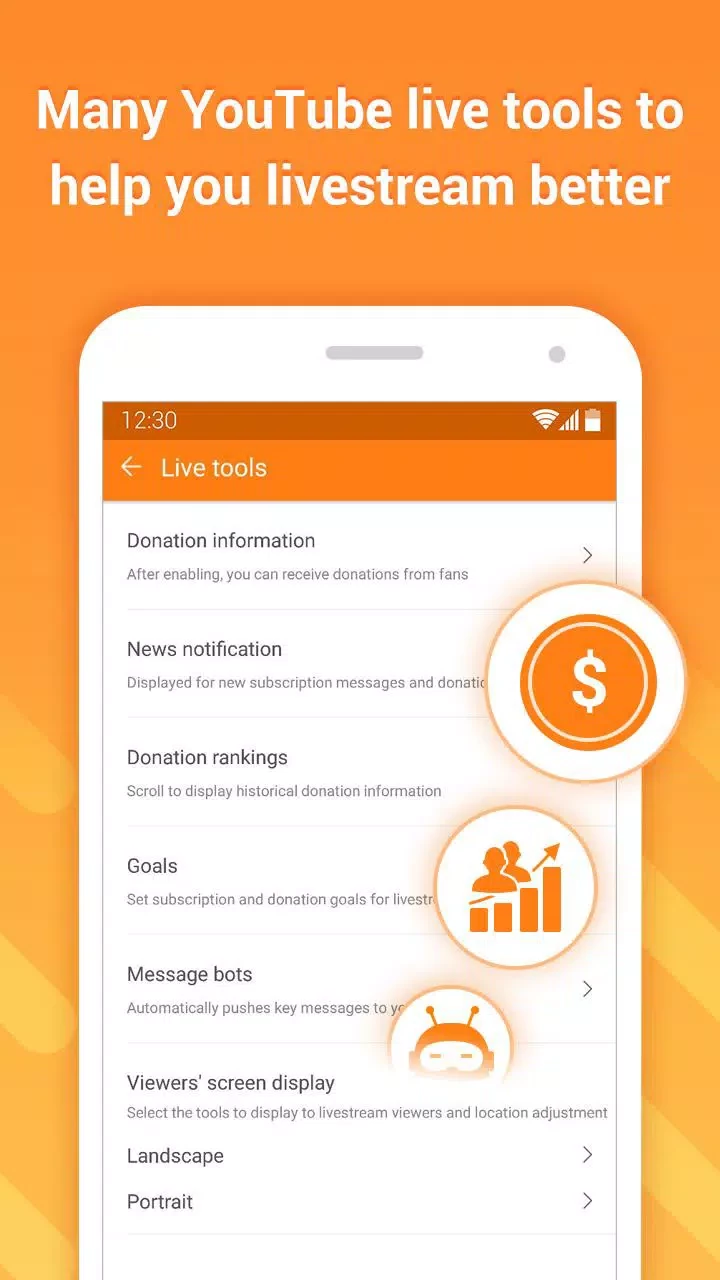
It is also possible to broadcast your screen activities in real-time. It is the best option for vloggers, gamers, educators, and other professionals to engage their audience using their face camera. It is also useful for live streaming on multiple live streaming platforms, including Facebook, YouTube, Twitch, and so on.
It is integrated with FaceCam to enable users to record external videos as well. It makes it possible to record your favorite TV shows, tutorials, audios, video calls, gameplay, and a lot of other visual content that you can use for different purposes, such as education, entertainment, business, etc.
It’s time to share your recorded and edited video with others. You can save it on your phone’s gallery for further use, or share with your friends, family, and also on multiple social media platforms such as Facebook, Twitter, YouTube, etc right from the app.
Pros
Cons

YouTube is the biggest video-sharing platform where you can watch the latest video clips, and other informative content.

CapCut specially designed for Android devices to edit high-quality short videos.

TikTok is the most popular video-sharing platform that offer short-form videos are delivered up to 60 seconds.

MX Player is a free video player, HW+ decoder option offers a lot of videos through hardware acceleration
TikTok Lite explores the world of short-form videos for free

Wink – Video Retouching Tool is a combination of multiple best and awesome tools, including support for AI technologies.